
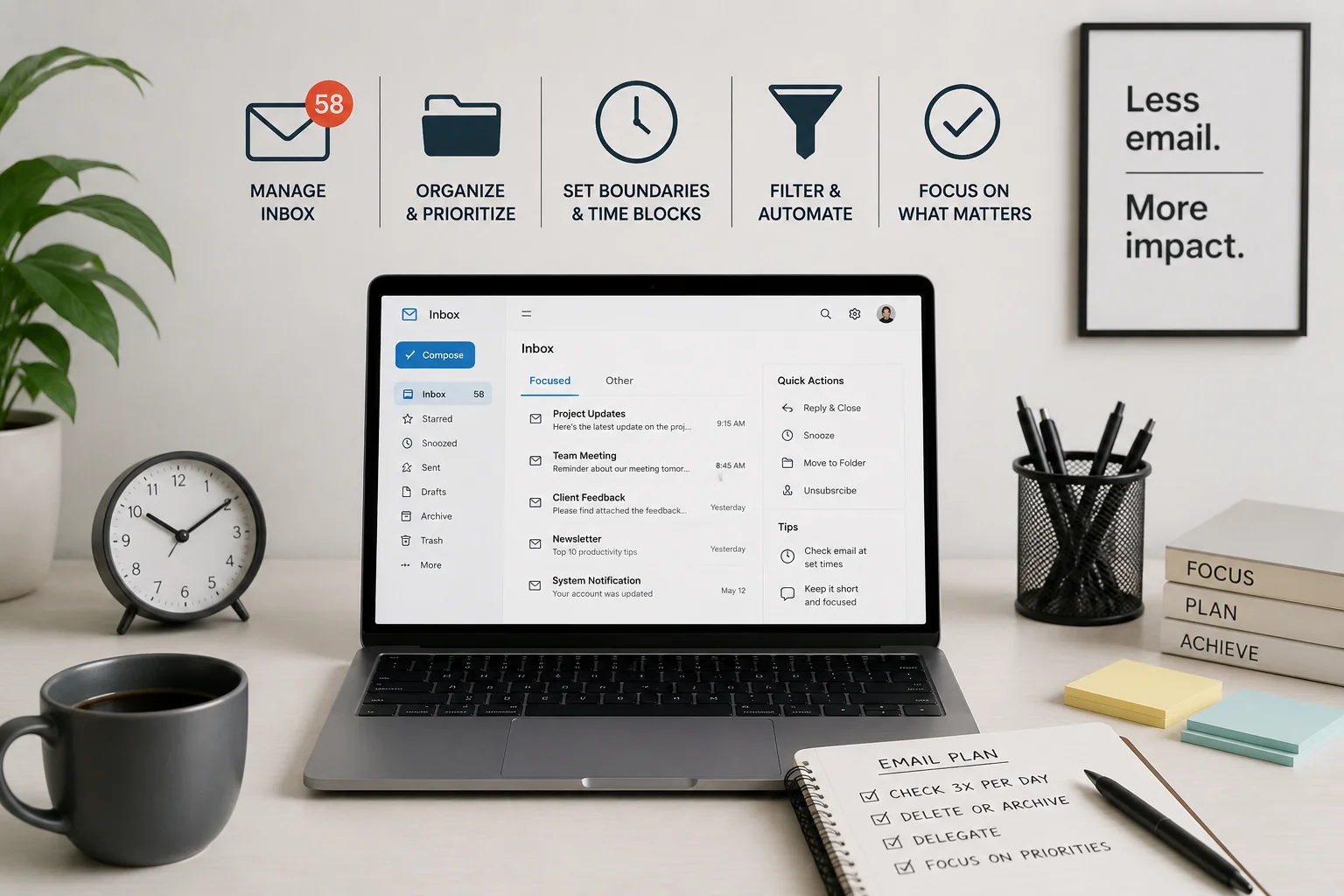
Social inbox overload happens when customer questions, comments, spam, sales inquiries, mentions, and internal notifications all compete for attention. Once everything appears equally important, genuinely urgent messages become harder to spot.
Better filtering reduces that noise. The aim is to separate conversations by purpose so the right messages reach the right workflow quickly.
Start With Message Types, Not Platforms
Sorting only by Facebook, Instagram, LinkedIn, or another network may not solve the underlying problem. A more useful system groups messages according to what they require.
Common categories might include customer support, sales leads, complaints, partnership requests, spam, billing questions, and general comments.
Teams researching technical workflow ideas can apply the same basic principle found in many organized systems: separate inputs according to the action they require.
Create Filters That Match Real Work
Useful filters should reduce decisions rather than create more folders nobody checks. Begin with a small number of categories based on recurring message patterns.
Identify High-Priority Language
Words such as “refund,” “order,” “payment,” “can’t access,” or “urgent” may deserve their own routing rules depending on the business.
A team managing several channels could also review platform management reading alongside its own message history to identify where technical tools can support a simpler process.
| Message Type | Suggested Priority | Typical Action |
|---|---|---|
| Customer problem | High | Support response |
| Sales inquiry | High | Assign to sales |
| General comment | Normal | Review when available |
| Obvious spam | Low | Filter or remove |
Use Tags to Preserve Context
Filters decide where messages go. Tags help explain what those messages are about.
A customer complaint might carry tags for “billing,” “existing customer,” and “needs follow-up.” That provides more context than placing everything inside one support folder.
Organizations dealing with multiple online systems may find that broader server and platform concepts reinforce an important lesson: classification works best when categories serve a clear operational purpose.
Set Rules for Ownership
Inbox organization fails when everyone can see a message but nobody knows who should answer it.
Assign responsibility by message type. Support questions might go to customer service, partnership requests to marketing, and qualified inquiries to sales.
For small teams, ownership can be simpler. One person may handle everything, but priority labels and response windows still prevent important conversations from disappearing beneath routine notifications.
Where Over-Filtering Goes Wrong
More filters don’t automatically create a better inbox. Too many rules can hide messages, create duplicate categories, or force staff to search several places before finding a conversation.
Automation can also misunderstand tone or context. A harmless comment containing a flagged word might be treated as urgent, while a serious complaint using unusual language could avoid the filter entirely.
Filters should reduce manual work, not replace regular inbox review.
Frequently Asked Questions
How many social inbox filters should a small business use?
Start with a few categories tied to real actions, such as support, sales, complaints, and spam. Add new filters only when repeated message volume shows that another category would save meaningful time.
Should automated filters replace manual inbox checks?
No. Automated sorting can reduce noise, but someone should still review unclassified messages and check whether important conversations are being routed incorrectly.
What messages should receive the highest priority?
Messages involving active customer problems, payment issues, account access, qualified sales opportunities, or situations that could escalate publicly often deserve quicker review than routine comments.
Build an Inbox That Supports Decisions
A manageable social inbox doesn’t require dozens of automated rules. It requires a clear distinction between messages that need immediate action, messages that can wait, and messages that don’t deserve attention.
Review your latest week of incoming messages, identify the four or five most common purposes, and build your filters around those real patterns.


