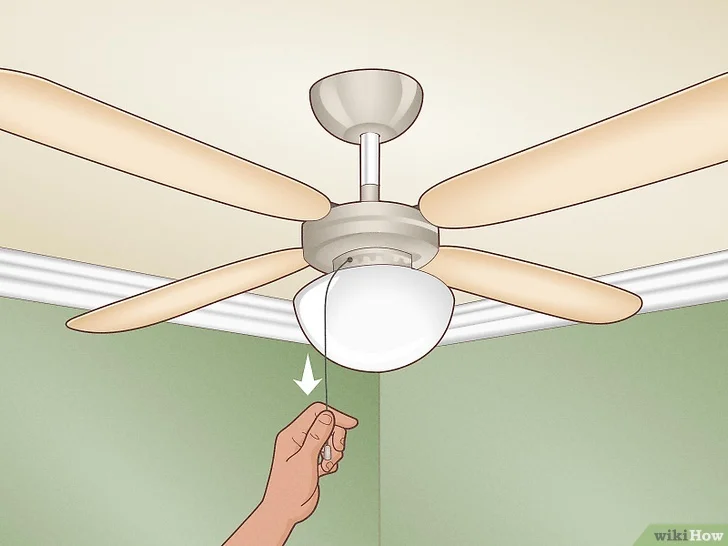
A ceiling fan that clicks, rattles, or wobbles usually needs inspection rather than immediate replacement. Loose hardware, unbalanced blades, dirty components, or contact between moving parts can all create noise. Begin with the fan switched off and completely stopped, then work through the simplest mechanical causes before assuming the motor has failed.
Start With the Easy Mechanical Checks
Turn off the fan at the wall switch before touching the blades or housing. If you’ll be working near wiring or removing electrical covers, shut off the correct breaker as well.
Check each visible screw around the blade holders, light kit, canopy, and decorative covers. Homeowners researching home comfort topics may find many possible fan fixes, but loose fasteners are worth checking first because vibration can gradually work screws outward.
Clean the Blades Before Balancing
Dust buildup may not seem heavy, yet uneven deposits can slightly alter the weight of individual blades. Clean both sides while supporting each blade instead of pressing downward.
Once clean, inspect for warping, cracks, or brackets that appear bent.
Find the Source of Clicking or Rattling
Run the fan briefly after tightening accessible hardware. Listen from several positions in the room because sound can travel through the ceiling and make the source difficult to identify.
A loose light globe, pull chain, or decorative part may vibrate only at certain speeds. While comparing general household maintenance through exterior home references, keep the fan diagnosis focused on components that actually move or vibrate with speed.
If the noise disappears when the light kit or chain is steadied, you’ve probably narrowed the problem considerably.
Correct a Wobbling Fan
A small amount of movement can occur with some fans, but pronounced wobbling should be investigated. Confirm that each blade is firmly attached and that blade holders appear aligned.
| Fan Behavior | Possible Cause | First Check |
|---|---|---|
| Clicking | Loose hardware | Blade and light screws |
| Rattling | Decorative contact | Globes and covers |
| Wobbling | Blade imbalance | Blade condition |
| Humming | Motor or control issue | Speed setting and hardware |
Measure from the ceiling to the tip of each blade at the same position. A noticeably different blade height may indicate a bent bracket or alignment problem.
General DIY browsing may also include patio living resources, but balancing a ceiling-mounted fan requires careful attention to the manufacturer’s blade and bracket design. Avoid bending components aggressively.
Use a Balancing Kit Carefully
Many fans can be adjusted using a balancing clip and small adhesive weights. Follow the fan or balancing-kit instructions rather than attaching random objects to the blades.
Test one blade at a time. Move the temporary clip along the blade until vibration decreases, then install the specified weight in the recommended position.
If balancing makes no difference, the problem may involve the mounting hardware rather than the blades themselves.
Where DIY Fan Repair Can Go Wrong
Repeatedly tightening screws won’t correct a loose electrical box, damaged mounting bracket, or poorly secured support. A ceiling fan places dynamic loads on its mounting point, so the support must be intended for fan use.
Another mistake is assuming every hum means the motor is defective. Controls, loose components, or certain speed settings can change the sound. Stop troubleshooting if you see damaged wiring, scorching, a loose ceiling box, or anything that requires electrical work beyond your experience.
Frequently Asked Questions
Why does my ceiling fan wobble only on high speed?
Higher speed increases the effect of small blade-weight or alignment differences. Check for loose brackets, warped blades, uneven blade height, and mounting movement before attempting to balance the fan.
Can a noisy ceiling fan be dangerous?
Some noises come from harmless vibration, but a loose mounting system, damaged electrical component, or severely unstable fan deserves prompt attention. Stop using the fan if its support appears insecure.
Do ceiling fan blades need to weigh exactly the same?
They need to be balanced closely enough for smooth rotation. Small manufacturing or material differences can sometimes be corrected with a proper balancing kit when the mounting system is otherwise secure.
Fix the Cause Instead of Masking the Noise
Start with cleaning, tightening, and careful observation before replacing parts. Many noisy fans improve once a loose component or blade imbalance is corrected. If wobbling comes from the mounting point or the repair requires electrical work you’re not comfortable performing, leave the fan off and have the installation inspected.