
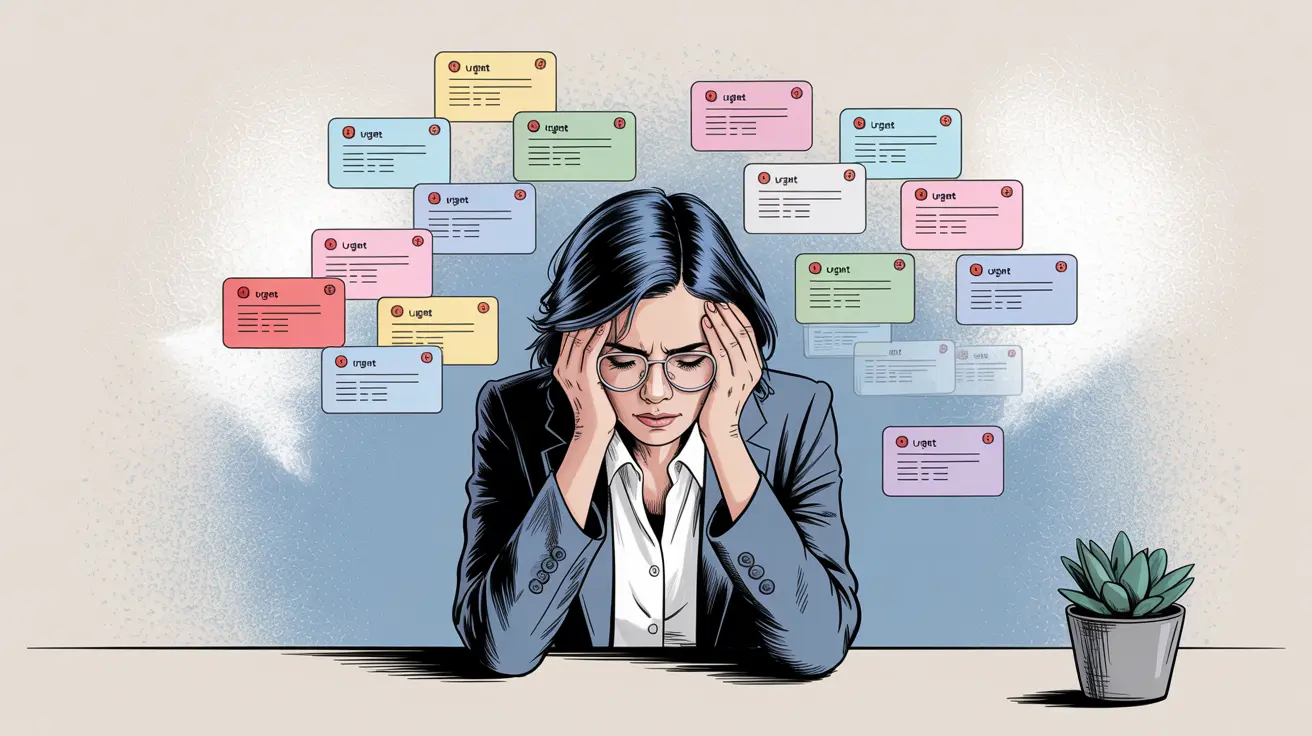
Email can quietly turn into a constant interruption when the inbox stays open all day. Excessive email checking breaks concentration because every glance creates another chance to switch tasks, reconsider priorities, or respond prematurely. Scheduled reviews offer a practical alternative: messages still receive attention, but they no longer control every available minute of the workday.
Notice How Often You Break Your Own Focus
Start by observing your current pattern for a day or two. You may discover that you open email after finishing a sentence, during a slow-loading page, between phone calls, or whenever a difficult task becomes uncomfortable.
These quick checks can feel productive because you’re technically doing work. In reality, they often replace deliberate work with reactive activity.
People exploring digital organization ideas can apply the same principle to email: decide where an activity belongs instead of allowing it to appear everywhere. A defined place on your schedule gives inbox management clearer boundaries.
Create Review Windows That Fit Your Job
Scheduled email doesn’t mean ignoring communication for half a day regardless of your responsibilities. Someone handling customer support may need frequent reviews, while a writer or analyst may be able to leave the inbox closed for longer stretches.
Choose realistic checkpoints. You might review messages shortly after starting work, around midday, and again before finishing. Another role may require checks every hour. The useful change is intentional timing.
Discussions around work habit patterns often become more useful when adapted to the actual job rather than copied as rigid productivity rules.
| Inbox Habit | Likely Effect | Better Approach |
|---|---|---|
| Inbox always open | Frequent distraction | Close between reviews |
| Instant replies | Reactive priorities | Sort by urgency |
| Checking during hard tasks | Avoided concentration | Finish a work block |
| Reading messages repeatedly | Lost time | Decide next action |
Separate Reading From Responding
Not every message deserves an immediate reply. During a review window, quickly distinguish messages requiring action from announcements, newsletters, receipts, and conversations that can wait.
Handle short, genuinely useful responses when appropriate. Flag messages requiring deeper thought and move them into your planned workload rather than letting one complicated email consume the entire review period.
This approach turns email into an input system instead of an endless task list. Broader productivity reading resources may offer different organizational methods, but the central principle remains simple: receiving a message doesn’t automatically make it your highest priority.
Reduce the Triggers That Pull You Back
Notifications make scheduled checking harder because they bring the inbox to you. Consider disabling nonessential desktop pop-ups, sounds, phone badges, or browser notifications while you’re doing concentrated work.
Keep exceptions where your role genuinely requires them. A manager waiting for an urgent operational update has different needs from someone receiving routine newsletters.
You can also close the email tab completely during focused blocks. That small amount of friction matters. Opening the inbox intentionally is different from seeing an unread count every time you switch browser tabs.
Where Scheduled Email Can Go Wrong
Scheduling becomes counterproductive when the system is too rigid for your responsibilities. If customers, coworkers, or managers reasonably expect fast responses, checking only twice a day may create delays rather than focus.
Another mistake is cramming hundreds of messages into one exhausting review session. The goal isn’t to postpone chaos. It’s to create manageable communication windows.
Don’t judge success by achieving an empty inbox either. A better test is whether important messages receive appropriate attention while your main work gets enough uninterrupted time to move forward.
Frequently Asked Questions
How often should I check work email?
There is no universal number. Base the schedule on how time-sensitive your role is. Jobs requiring rapid customer or operational responses generally need more frequent checks than work dominated by long periods of concentrated production.
Should I turn off all email notifications?
Turn off notifications that create unnecessary interruptions, but keep genuinely important alerts if your responsibilities depend on them. The aim is to reduce automatic checking without making critical communication difficult.
Can scheduled email reviews improve productivity?
They can help by placing communication into defined periods instead of allowing every new message to interrupt other tasks. The benefit depends on choosing review intervals that still meet the communication demands of your role.
Make the Inbox Serve Your Work
Email works best when it supports your priorities instead of continually rewriting them. Pick sensible review windows, reduce unnecessary notifications, and give complicated messages their own task time. After a week, adjust the schedule based on what actually happened. The right system leaves you reachable enough without making you permanently interruptible.

