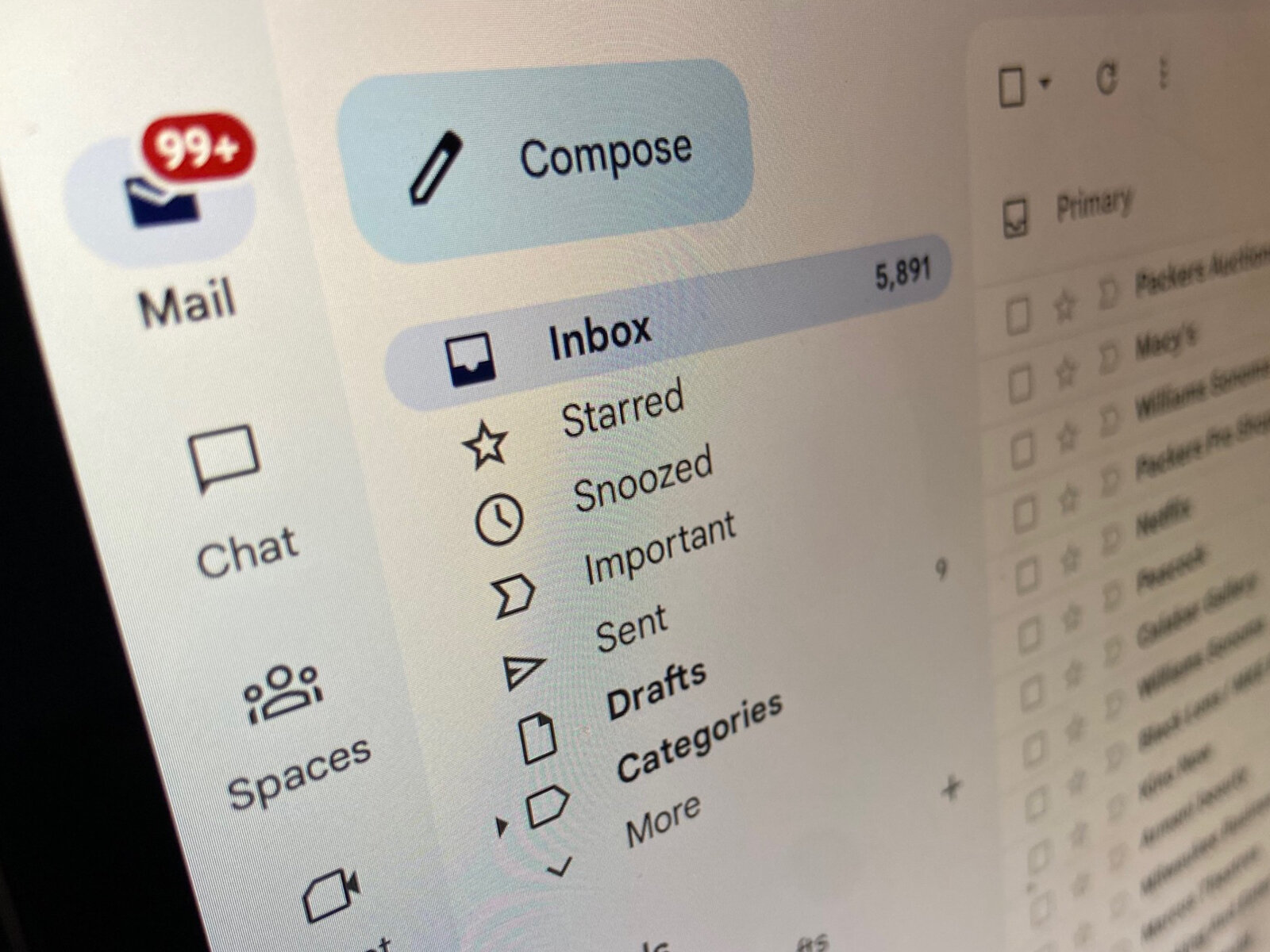
An overloaded inbox turns simple communication into a search problem. Important messages disappear beneath newsletters, automated alerts, old conversations, and requests that no longer matter. A cluttered email inbox becomes easier to manage when every message has a clear destination: act on it, schedule it, file it, or remove it.
The goal isn’t an empty inbox. It’s a usable one.
Separate Messages by What They Require
Start by distinguishing messages that require action from those kept only for reference. Mixing both types creates unnecessary visual noise.
A useful system might include folders or labels for active work, waiting items, receipts, projects, and reference material. Keep the number manageable. Twenty-five overlapping labels can create as much confusion as no organization at all.
Identify Your Highest-Priority Messages
Messages from clients, managers, team members, or active projects may need faster attention than promotional mail.
Filters and priority markers can help, but they should support your judgment rather than replace it.
Process Email Instead of Constantly Checking It
Opening your inbox every few minutes interrupts concentration. Unless your job requires immediate email responses, consider processing messages at defined points during the workday.
People exploring inbox organization ideas may find countless productivity approaches, but a simple rule works well: when you open a message, decide what happens next.
Reply immediately when the response takes only a short time. Otherwise, convert the message into a task, schedule time for it, or move it somewhere appropriate.
Use Filters for Repetitive Messages
Automated notifications, receipts, newsletters, reports, and system alerts can often be sorted automatically. Create filters for predictable senders or subject patterns so low-priority mail doesn’t dominate your main inbox.
Some workflow resource directories may introduce different organizational approaches, but your filters should remain simple enough that you remember where messages are going.
| Email Type | Recommended Action | Main Benefit |
|---|---|---|
| Urgent request | Handle or schedule | Prevent delays |
| Newsletter | Filter to reading folder | Reduce distraction |
| Receipt | Archive by category | Easier retrieval |
| Automated alert | Filter or delete | Less inbox noise |
Review automated rules occasionally. A filter created months ago can hide messages that have become important.
Reduce the Amount of Email Arriving
Inbox organization becomes easier when fewer unnecessary messages arrive in the first place. Unsubscribe from newsletters you consistently ignore and disable nonessential notifications from tools that already alert you elsewhere.
Useful digital productivity material may provide ideas for reducing information overload, but your biggest gains often come from removing recurring clutter at the source.
For internal conversations, consider whether every update needs email. A shared project system or team chat may be more appropriate for brief status messages.
Archive Completed Conversations
Keeping finished threads in the main inbox makes active work harder to identify. Archiving removes visual clutter without deleting information you may need later.
Search remains available when an old conversation becomes relevant again.
Where Inbox Organization Goes Wrong
The biggest mistake is creating a complicated filing system that requires constant decisions. If every message could belong in five different folders, organization becomes another task.
Another common problem is using the inbox as a permanent to-do list. Email wasn’t designed to manage every deadline, follow-up, and project responsibility. Important work should usually move into a calendar or task system where it can be tracked more reliably.
Simple systems survive busy weeks. Complicated ones often collapse.
Frequently Asked Questions
How many folders should an email inbox have?
There is no ideal number. Use enough folders or labels to separate meaningful categories without making filing difficult. A small system that you consistently understand is usually better than dozens of narrow categories.
Should I delete or archive old emails?
Archive messages you may reasonably need for future reference. Delete obvious spam, expired promotions, duplicates, and messages with no continuing value, subject to your workplace’s retention requirements.
How often should I check work email?
That depends on your role and response expectations. When immediate monitoring isn’t required, checking at planned intervals can protect focused work while still allowing timely replies.
Build an Inbox You Can Trust
A useful inbox makes unfinished work visible and completed communication easy to retrieve. Reduce incoming noise, automate repetitive sorting, archive finished conversations, and move real tasks into proper planning tools. Once the system becomes simple enough to follow during a busy day, email stops controlling your attention and starts serving its actual purpose.